Your downloads,
at the speed of light.
A keyboard-first macOS client for TorBox. Free. Bring your own API key.
Requires macOS 14+ • Apple Silicon
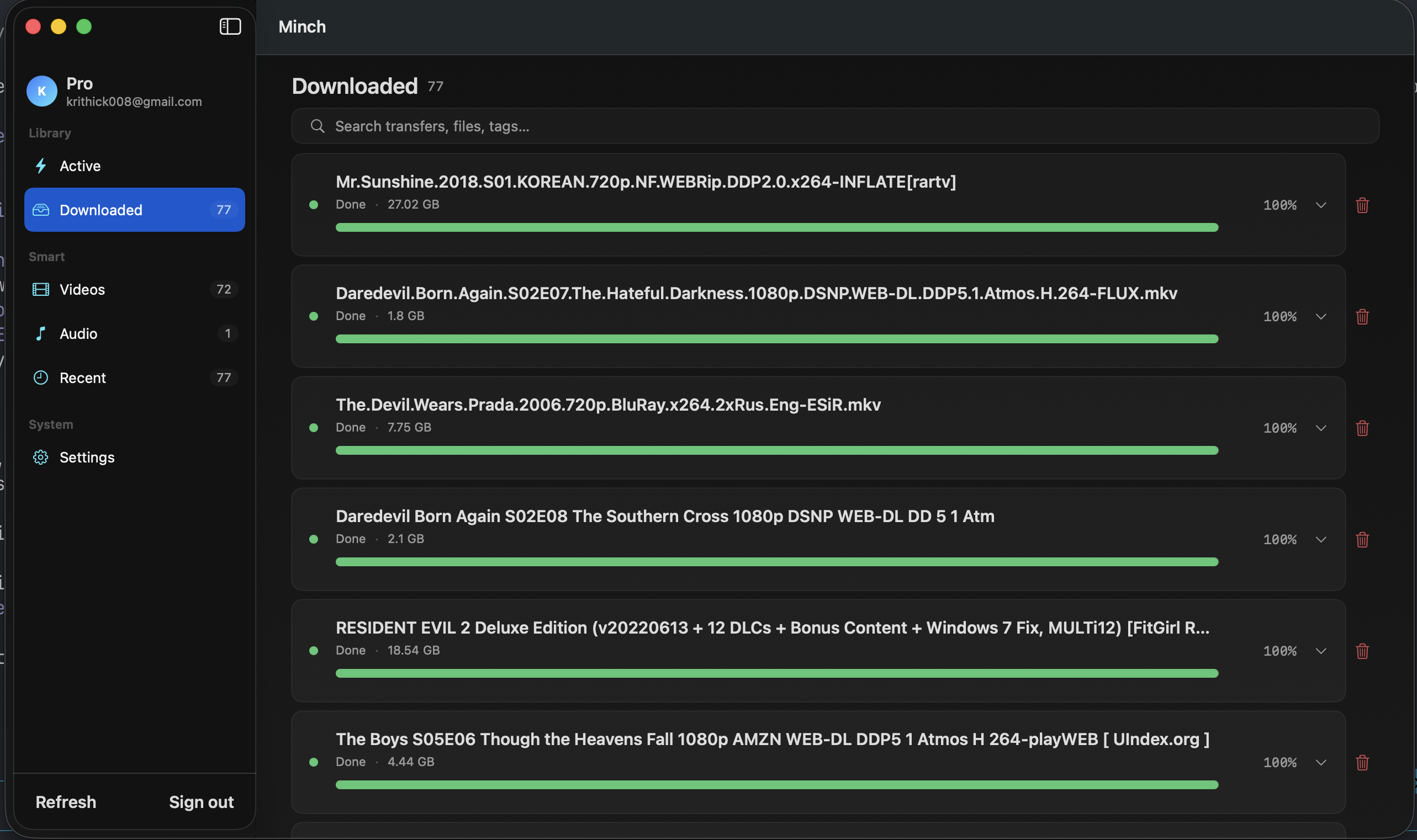
Running in under a minute
- 1
Download Minch
Free and notarized for Apple Silicon. Nothing to sign up for.
- 2
Paste your TorBox key
Bring your own API key — it lives in your macOS Keychain, not our servers.
- 3
Add, stream, or download
Drop a magnet or .torrent. Play straight from TorBox or pull files local.
Everything in one window
Add anything
Magnets, .torrent files, URLs, watch folders. Paste, drop, or queue — whatever's fastest.
Stream or download
Play straight from TorBox or pull files into your local library. Your call, per torrent.
Find anything
Full-text search with kind:, tag:, size:, and added: modifiers. Big libraries stay navigable.
Keyboard-first
⌘K command palette, ⌘N to add, ⌘R to refresh. Built for people who never touch the mouse.
Built for the keyboard
Hit ⌘ K and run anything — add, search, stream, download — without reaching for the mouse. Every action has a shortcut, and the command palette remembers what you use.
- Add torrent or magnet… ⌘N
- Search library ⌘F
- Refresh transfers ⌘R
- Download to local library ⌘⇧D
- Stream from TorBox Space
Your key. Your Mac. Your business.
Minch talks straight to TorBox with the API key you provide — kept in your macOS Keychain, never on a Minch server (there isn't one). No account, no cookies, no tracking of what you move.
Questions
Do I need a TorBox account?
Yes. Minch is a client for TorBox. Minch itself is free; TorBox has its own pricing.
Why is Minch free?
Because you've already paid for TorBox. Charging twice for the same workflow felt wrong.
Where's the source?
On GitHub. Issues, PRs, and forks welcome.
Does it work on Intel Macs?
Apple Silicon (arm64) today. A universal build is on the roadmap.